 Tech Exec Insight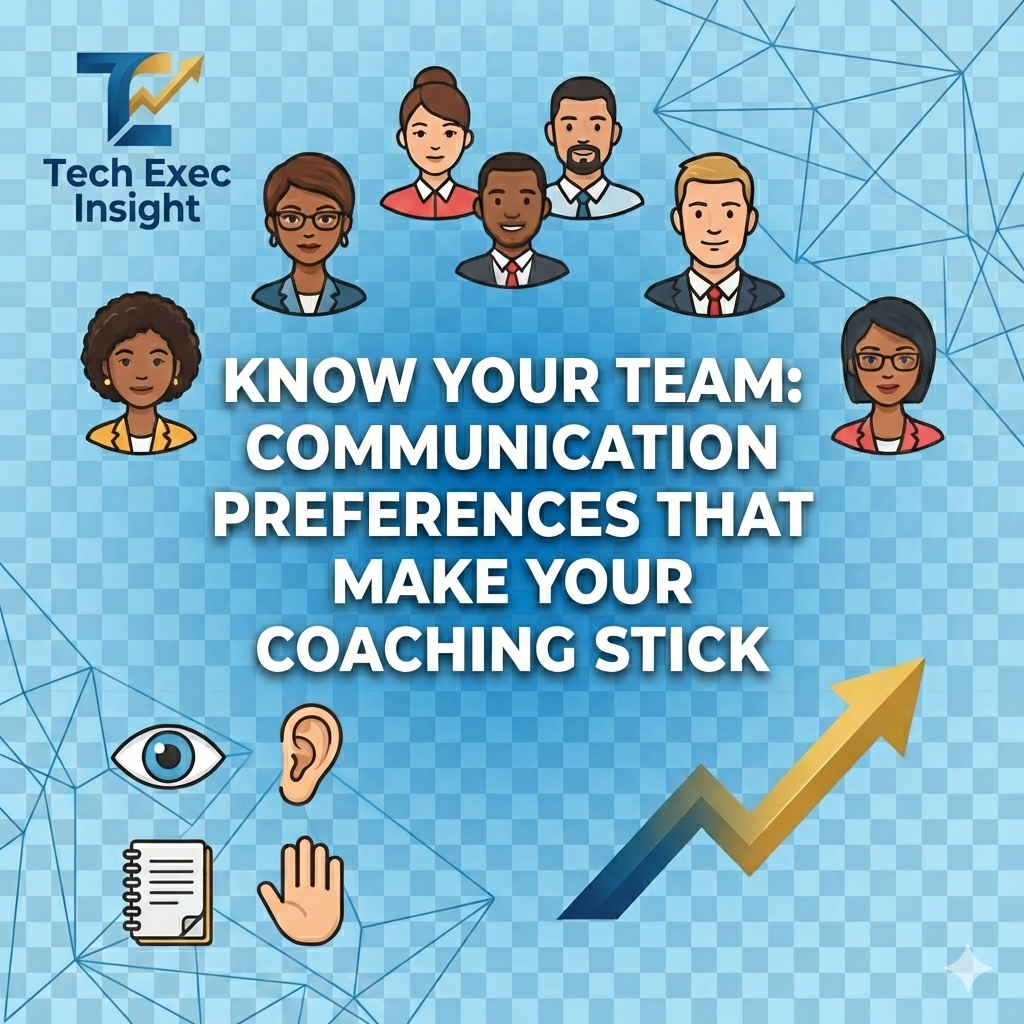
Know Your Team: Communication Preferences That Make Your Coaching Stick
You spend 30 minutes explaining a complex architecture decision in a Slack thread. Your senior engineer gets it immediately. Your mid-level developer asks three follow-up questions. Your junior engineer nods along in the standup but makes the wrong implementation choice two days later.
Same message. Three different outcomes. The problem isn't comprehension—it's delivery.
In my years coaching engineering teams, I've learned that the best managers don't just communicate clearly—they adapt their communication style to how each team member learns best. Understanding learning styles isn't psychology theater; it's a retention and performance lever. When engineers receive information in a format they can process, they execute faster, make fewer mistakes, and feel more confident.
The Four Primary Learning Styles
Based on the VARK model (Visual, Auditory, Reading/Writing, Kinesthetic), most people have a dominant learning preference. Engineers are no different. Here's how to spot each style and what it means for your coaching approach:
1. Visual Learners (Seeing)
How they process information: Through diagrams, charts, architecture drawings, color-coded notes, and spatial organization.
How to identify visual learners:
- They immediately head to the whiteboard in design discussions
- Their notes include boxes, arrows, and sketches
- They ask, "Can you draw that out?" or "Do we have a diagram?"
- They struggle with verbal-only instructions but excel with wireframes
- They keep multiple browser tabs open for visual reference
How to deliver work assignments:
- Use architecture diagrams – Show system flow, data relationships, component interactions
- Provide mockups or wireframes for UI work
- Create visual roadmaps – Timeline charts, Gantt views, Kanban boards
- Color-code priorities – Red for critical, yellow for important, green for nice-to-have
- Share screen during explanations and highlight relevant code sections
Example: Assigning a Refactoring Task
Instead of: "Refactor the payment service to extract the validation logic into a separate module."
Try this: Draw a before/after architecture diagram showing current monolithic structure and proposed modular design. Use arrows to show data flow. Annotate with file names and method signatures.
How to give feedback:
- Use side-by-side code comparisons (before/after)
- Annotate pull requests with visual markers (highlight, strikethrough)
- Create flowcharts showing decision trees or edge cases missed
- Use tools like Miro or Figma for retrospective feedback
2. Auditory Learners (Hearing)
How they process information: Through spoken explanations, discussions, verbal walkthroughs, and conversations.
How to identify auditory learners:
- They prefer Zoom calls over Slack threads
- They talk through problems out loud ("rubber duck debugging")
- They ask clarifying questions immediately during meetings
- They remember conversations better than written documentation
- They prefer pair programming or verbal code reviews
How to deliver work assignments:
- Schedule a quick sync – 15-minute walkthrough beats a 3-page doc
- Verbally explain the "why" behind decisions, not just the "what"
- Record a Loom video walking through requirements
- Encourage questions during the explanation
- Summarize action items verbally at the end, then follow up in writing
Example: Explaining a New API Integration
Instead of: Sending API documentation links and schema definitions.
Try this: Schedule a 20-minute call. Walk through the authentication flow verbally, explain error handling scenarios, and discuss edge cases. Record the session. Follow up with written summary.
How to give feedback:
- Schedule 1-on-1 verbal feedback sessions
- Use voice notes in code reviews (GitHub supports audio comments via integrations)
- Walk through issues live in a screen share
- Offer verbal praise in standups and team meetings
3. Reading/Writing Learners (Text)
How they process information: Through written documentation, detailed specs, emails, and text-based instructions.
How to identify reading/writing learners:
- They take extensive notes during meetings
- They prefer detailed tickets over verbal assignments
- They reference documentation frequently
- They write thorough PR descriptions and comments
- They ask, "Can you send that in writing?" or "Is that documented?"
How to deliver work assignments:
- Write comprehensive tickets – Include acceptance criteria, definition of done, context
- Link to related documentation (ADRs, API specs, previous decisions)
- Provide written examples – Code snippets, sample requests/responses
- Use bullet points and structured formatting for clarity
- Create checklists for multi-step tasks
Example: Onboarding a New Feature
Instead of: Verbally explaining the feature in standup.
Try this: Create a detailed ticket with: (1) User story, (2) Technical approach with code examples, (3) Acceptance criteria checklist, (4) Links to design docs, (5) Testing requirements. Add a "Questions?" section at the bottom.
How to give feedback:
- Write detailed PR comments with specific line references
- Send structured feedback emails with clear sections (What worked / What to improve / Next steps)
- Use documentation tools like Notion or Confluence for performance reviews
- Provide written examples of better approaches
4. Kinesthetic Learners (Doing)
How they process information: Through hands-on practice, experimentation, trial-and-error, and physical interaction.
How to identify kinesthetic learners:
- They dive into code immediately, even before reading specs
- They prefer proof-of-concepts over long planning sessions
- They say, "Let me try it and see what happens"
- They learn best by breaking things and fixing them
- They fidget during long meetings or verbal explanations
How to deliver work assignments:
- Provide a starter branch with scaffolding code
- Set up a sandbox environment where they can experiment safely
- Assign proof-of-concept tasks before full implementation
- Pair program for the first iteration, then let them run
- Break work into small, testable increments
Example: Teaching a New Framework
Instead of: Sending documentation or giving a lecture on React hooks.
Try this: Clone a simple starter repo with TODO comments. Say, "Implement these three features using hooks. Here's the test suite. Run it, break it, fix it. Ping me when you hit a wall." Follow up with a live pairing session after they've experimented.
How to give feedback:
- Pair program through corrections in real-time
- Suggest hands-on exercises to address gaps (e.g., "Build a mini version of X")
- Use live debugging sessions to show alternative approaches
- Provide runnable examples they can modify and test
Quick Reference: Adapt Your Approach
| Scenario | Visual | Auditory | Reading/Writing | Kinesthetic |
|---|---|---|---|---|
| Explaining a bug fix | Annotated screenshot showing before/after | 10-min call explaining root cause | Detailed PR description with code snippets | Pair debug session showing the fix live |
| Giving critical feedback | Side-by-side code comparison with highlights | 1-on-1 verbal discussion with examples | Written email with specific line references | Live refactoring session together |
| Teaching a new tool | Step-by-step visual guide with screenshots | Recorded demo with verbal walkthrough | Written tutorial with command examples | Sandbox environment to experiment |
| Assigning a complex task | Architecture diagram + annotated user flow | Kickoff call + recorded requirements review | Detailed ticket with acceptance criteria | Starter code + proof-of-concept goal |
How to Identify Your Team's Learning Styles
Don't guess. Ask. Here are three approaches I use with engineering teams:
1. Direct Conversation (Best for 1-on-1s)
Ask during your next 1-on-1:
- "When you're learning something new, what format helps you the most—diagrams, verbal explanation, written docs, or hands-on trial?"
- "Think about a time you understood a concept really well. How was it explained to you?"
- "What's your least favorite way to receive information?"
2. Observation (Best for new hires or remote teams)
Watch for patterns over 2-3 weeks:
- Do they immediately ask for a diagram? (Visual)
- Do they schedule calls instead of reading docs? (Auditory)
- Do they take detailed notes? (Reading/Writing)
- Do they jump into the code before planning? (Kinesthetic)
3. Team Exercise (Best for team offsites or retros)
Run a 15-minute learning styles workshop:
- Present a simple technical concept (e.g., explain how a load balancer works)
- Ask: "Would you prefer I explain this with a diagram, a verbal walkthrough, written steps, or by setting up a demo you can interact with?"
- Track preferences and share them with the team
- Create a team "Learning Styles" reference doc for future use
Adapting Learning Styles Across Organizational Levels
Learning styles don't stop at your engineering team. The same principles apply when communicating up to executives, across to business partners, and down to your direct reports. Here's how to adapt your approach based on audience and context:
Communicating to Business People (Non-Technical Stakeholders)
The Challenge: They don't speak your language. Technical jargon creates distance. They care about outcomes, not implementation details.
The Quick Take: Translate features into business outcomes. For visual stakeholders, show ROI dashboards and before/after scenarios. For auditory ones, tell stories with analogies. Written learners need executive summaries. Kinesthetic learners want to see prototypes and pilot results.
→ Read the full deep-dive: Communicating Tech to Business Stakeholders (January 31, 2026)
Communicating to Senior Leaders & Board Members
The Challenge: Limited time, high stakes, skeptical of hype. They care about strategy, risk, and competitive advantage.
The Quick Take: Lead with business outcomes and risk analysis. Visuals need strategy maps and competitive context. Auditory executives want the punch line first, not technical details. Written learners prefer 6-page memos over slide decks. Kinesthetic learners want to see results from pilots and live demonstrations.
→ Read the full deep-dive: Presenting to Senior Leaders and Board Members (February 7, 2026)
Communicating Down to Direct Reports & Teams
The Challenge: Translating executive strategy into actionable team goals without losing motivation or clarity.
The Quick Take: Use OKR trees and roadmaps for visual learners. Hold town halls with Q&A for auditory teams. Written learners need strategy memos and charters. Kinesthetic engineers want working groups and spikes to explore direction hands-on. Always explain the "why" behind strategic shifts.
→ Read the full deep-dive: Cascading Strategy to Your Team (February 14, 2026)
⚠️ Common Pitfalls to Avoid
1. Assuming Everyone Learns Like You
If you're a visual learner, you'll default to whiteboards. If you're auditory, you'll default to Zoom. Resist this. The best managers are multi-modal communicators.
2. Rigidly Categorizing People
Most people are blended learners with a dominant style. A kinesthetic learner still benefits from a diagram. An auditory learner still needs written follow-up. Use learning styles as a starting point, not a box.
3. Over-Customizing Everything
You don't need four versions of every message. Instead, use a multi-modal default: Brief written summary + quick diagram + offer to sync live. This covers 80% of preferences.
4. Ignoring Cultural and Neurodiversity Factors
Some engineers from non-Western cultures prefer written over verbal feedback due to language confidence. Engineers with ADHD may struggle with long written docs but excel with short, structured checklists. Learning styles are one lens—consider the full person.
Real-World Impact
Teams that adapt communication to learning styles report:
- 30% faster onboarding for new engineers
- Fewer misunderstood requirements and rework cycles
- Higher 1-on-1 satisfaction scores (engineers feel "heard")
- Better retention of mid-level engineers (the most flight-risk cohort)
Get the Tools
📋 Learning Styles Action Plan
A 12-week implementation roadmap with week-by-week, month-by-month, and quarterly milestones. Includes worksheets to track your team and measure results.
Download Now →📊 Team Assessment & Reference Guide
Identify each team member's learning style with a quick self-assessment. Includes a team tracker table and scenario-based communication strategies.
Download Now →Your Action Plan
This Week:
- Identify one engineer you're coaching right now
- Observe how they consume information (visual, auditory, text, hands-on)
- Try one adapted communication approach from this guide
This Month:
- Ask each direct report their learning preference in your next 1-on-1
- Create a private team reference doc noting each person's style
- Experiment with multi-modal communication (diagram + verbal + written) for major decisions
This Quarter:
- Run a team learning styles workshop
- Audit your current communication tools—are you over-indexing on one style?
- Train other managers on your team to adopt learning style awareness
Acronym Guide
- VARK — Visual, Auditory, Reading/Writing, Kinesthetic (learning styles model)
- PR — Pull Request
- ADR — Architecture Decision Record
- UI — User Interface
- API — Application Programming Interface